
October 6, 2026
An Apple-first household does not have to choose between a professional home-control system and Siri. But “works with Apple” can mean several very different things: direct device exposure inside the Apple Home app, Siri voice commands, Apple Shortcuts, CarPlay controls, or simply a strong iPhone/iPad app.
For the current Regent5 system pages, see Lutron HomeWorks QSX for larger custom-home lighting and shading systems and Lutron RadioRA 3 for many renovation and wireless-control projects.
That distinction matters in 2026 because Lutron, Control4 and Savant now take different paths into Apple’s ecosystem. This guide explains the current behavior without treating every integration as equivalent.
Lutron documents direct Apple HomeKit integration for RadioRA 3 through the Lutron App. After pairing the RadioRA 3 processor with Apple Home, compatible load controllers, including selected dimmers, switches, fan controls, smart plugs and hybrid keypads, can appear in Apple Home. Compatible Lutron shades can also be controlled through Apple Home and Siri.
There is an important limitation that is often missed: Lutron scenes created in the Lutron App do not simply appear as Apple Home scenes. If the homeowner wants a scene available to Siri through Apple Home, that scene is created in Apple Home using the exposed devices. Standard Lutron keypads, Pico remotes, processors and repeaters are not presented as normal controllable accessories in Apple Home.
That is not a weakness in the Lutron system. HomeWorks or RadioRA remains the authoritative lighting/shading system; Apple Home is an additional interface for selected devices.
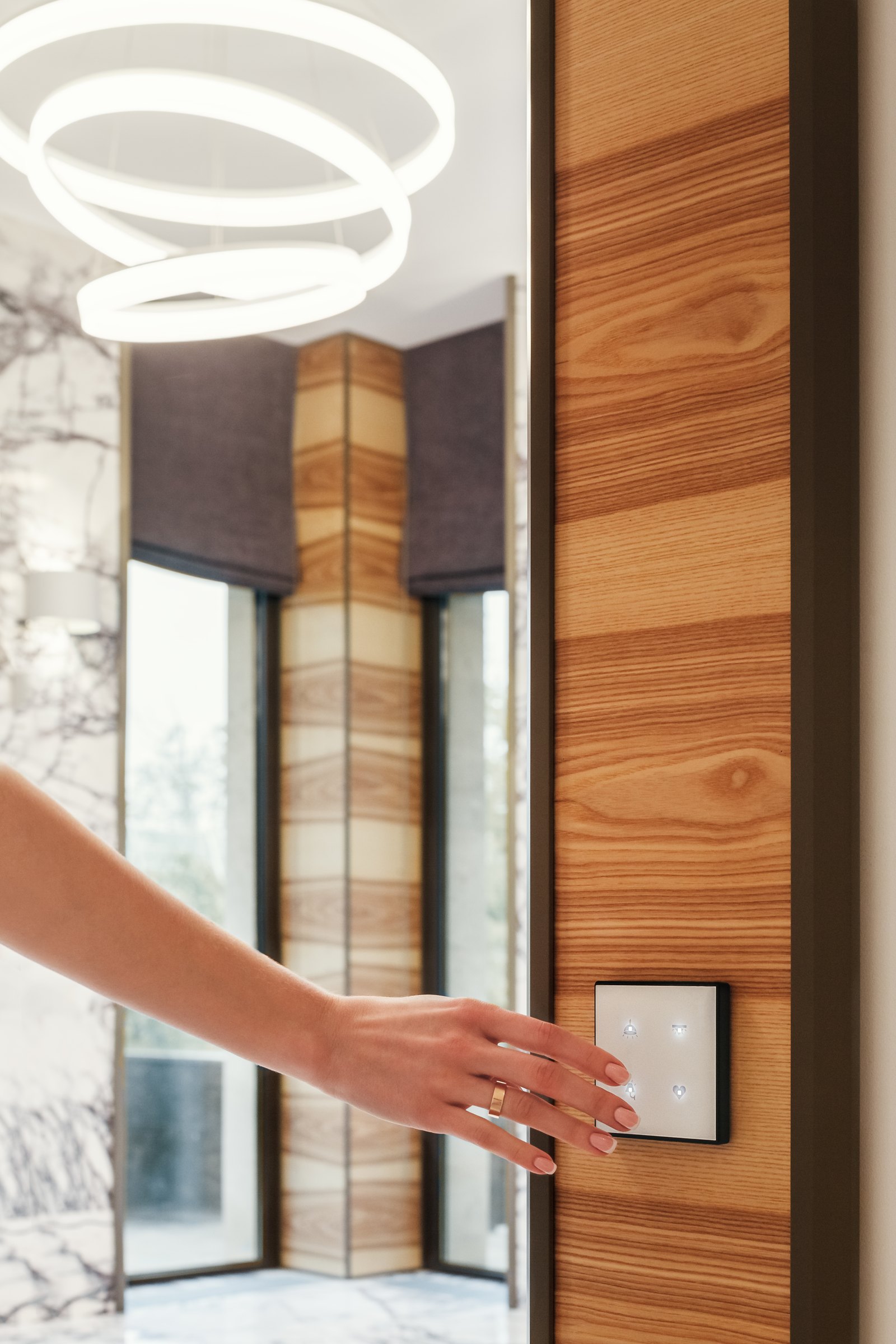
HomeWorks QSX supports Apple Siri voice integration as part of Lutron’s residential integration ecosystem. The exact Apple Home exposure and available device types should be confirmed against the current HomeWorks software and project configuration rather than assuming every RadioRA workflow applies identically.
For a new custom residence, we still design HomeWorks around keypads, scenes, Intelligent Lighting and shades first. Apple control is then added where it improves the homeowner experience.
See our HomeWorks QSX guide and Lutron keypad guide.
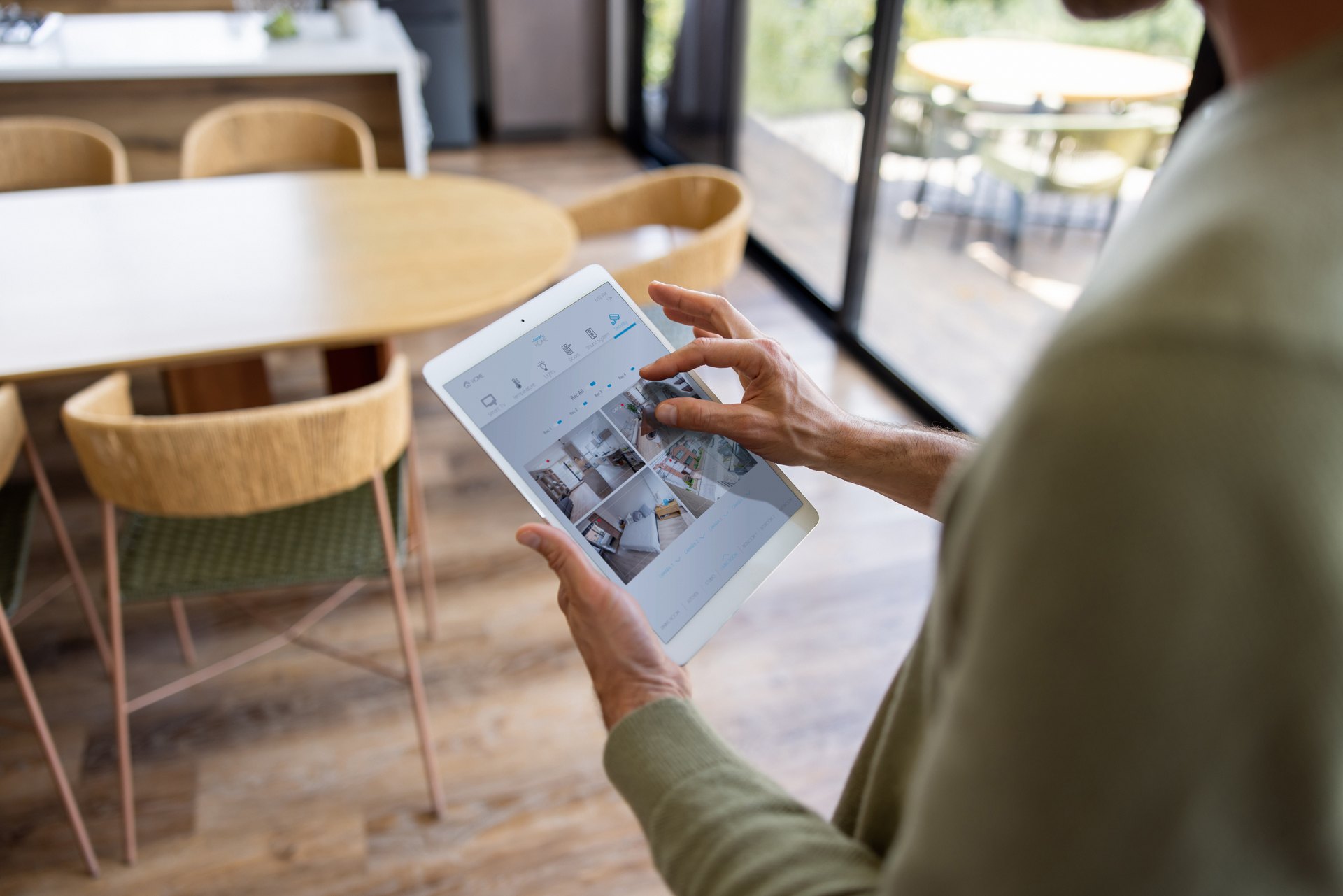
This is one of the biggest changes since older Control4 comparisons were written. With the current Control4 X4 experience, Control4 officially integrates with Apple HomeKit. Control4 describes support for bringing compatible Control4 devices and scenes into Apple’s interfaces, including Siri voice commands, Apple Control Center, widgets and CarPlay.
That means an Apple-centric homeowner no longer needs to think of Control4 HomeKit support only as a third-party bridge or custom-driver exercise. The current platform has a manufacturer-supported Apple Home path.
The professional Control4 system still remains the deeper automation layer. Apple Home becomes another way to reach selected devices and scenes rather than replacing the Control4 project.
Savant has long invested heavily in the Apple user experience, including iPhone/iPad control, Apple TV integration and Siri-based workflows. Current Savant documentation describes Siri Shortcuts and Savant AI working together so a homeowner can trigger Savant scenes and natural-language actions from Siri-capable Apple devices.
That is not the same claim as saying the entire Savant project automatically appears as native Apple Home accessories. The useful way to evaluate Savant in an Apple household is to ask which daily actions need to be available through Siri/Shortcuts and which should remain in the Savant app, remote, touchpanel or room keypad.
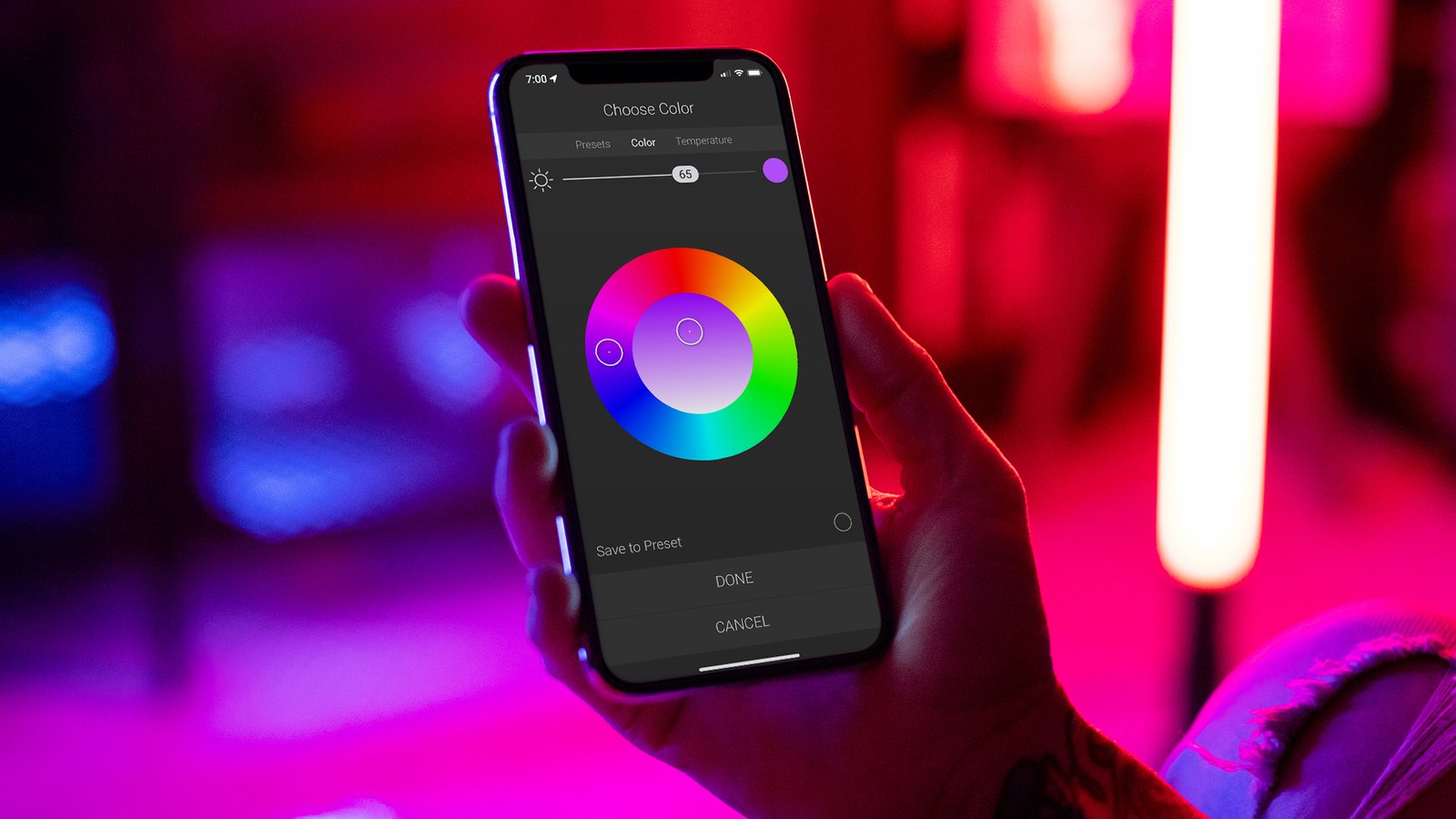
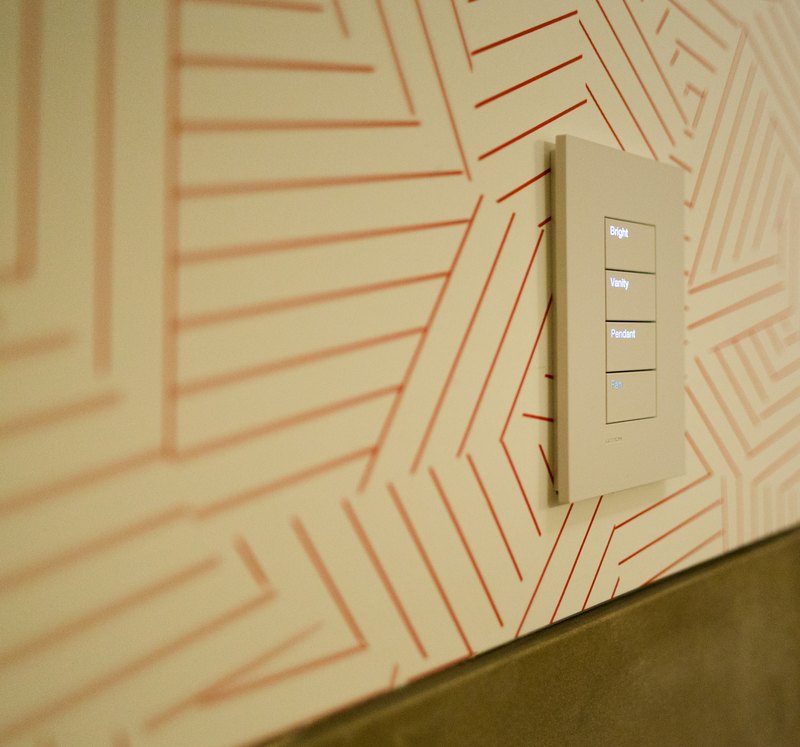
Apple Home is excellent for common actions: turning off a downstairs lighting group, checking a compatible shade, triggering a simple scene, or using Siri in a room where an Apple device is already present.
It is usually less useful to expose every technical object from a large residence simply because the integration permits it. A 15,000-square-foot property can contain hundreds of loads, shades and devices. Dumping all of them into a consumer interface can make the experience harder rather than better.
Regent5 therefore treats Apple Home as a curated interface. The professional platform remains responsible for the project’s deeper logic, permissions, programming and serviceability.
A reliable home should still function when voice services, the internet or a cloud account is unavailable. Lighting keypads, local control and the core automation system should not depend on someone successfully phrasing a voice request.
Voice is useful in situations where hands are occupied or a person is already interacting with an Apple device. It is less elegant than a correctly labeled keypad for entering a room and selecting a common scene.
If direct Apple Home exposure is a core requirement, current Lutron RadioRA 3 and Control4 X4 have documented manufacturer-supported paths worth reviewing. If the household wants sophisticated Siri/Shortcuts behavior inside a Savant-centered home, Savant’s Apple-oriented workflow can also be compelling.
But Apple compatibility should not choose the entire control system by itself. Lighting architecture, shades, AV, security, energy management, property size, service model and long-term ownership still matter more.
Our whole-home platform comparison covers those broader differences.
Regent5 configures Apple/Siri integration as part of professionally installed Lutron, Control4 and Savant projects where it improves the daily experience. We also document which system remains the source of truth so future service does not depend on guessing where a scene was originally created.
If Apple Home, Siri, CarPlay or Apple Shortcuts are important to the household, tell us during project design. We can plan the interface intentionally instead of bolting it on after commissioning.
Lutron: Integrating Apple HomeKit with RadioRA 3
Control4 X4: Apple HomeKit
Savant AI and Siri integration
Apple, Lutron, Control4 and Savant software capabilities change. Confirm the current platform version and supported device types before final programming.


.svg)
