
Regent5 designs, installs, programs and services HomeWorks QSX for custom homes and estates. QSX supports panelized, distributed and hybrid architectures, allowing lighting loads, keypads, shades, intelligent lighting and integrations to be coordinated as one residential control system.
HomeWorks QSX brings compatible lighting controls, architectural keypads, motorized shades and intelligent lighting into one residential system. Wired QS, Clear Connect Type A and Clear Connect Type X equipment are selected around the project's devices. Regent5 checks fixture dimming requirements, gateways, power and integration support rather than assuming every product works on every system.
HomeWorks is built for scenes that reach across rooms, lighting, shades and selected integrations while still keeping each space simple at the keypad.
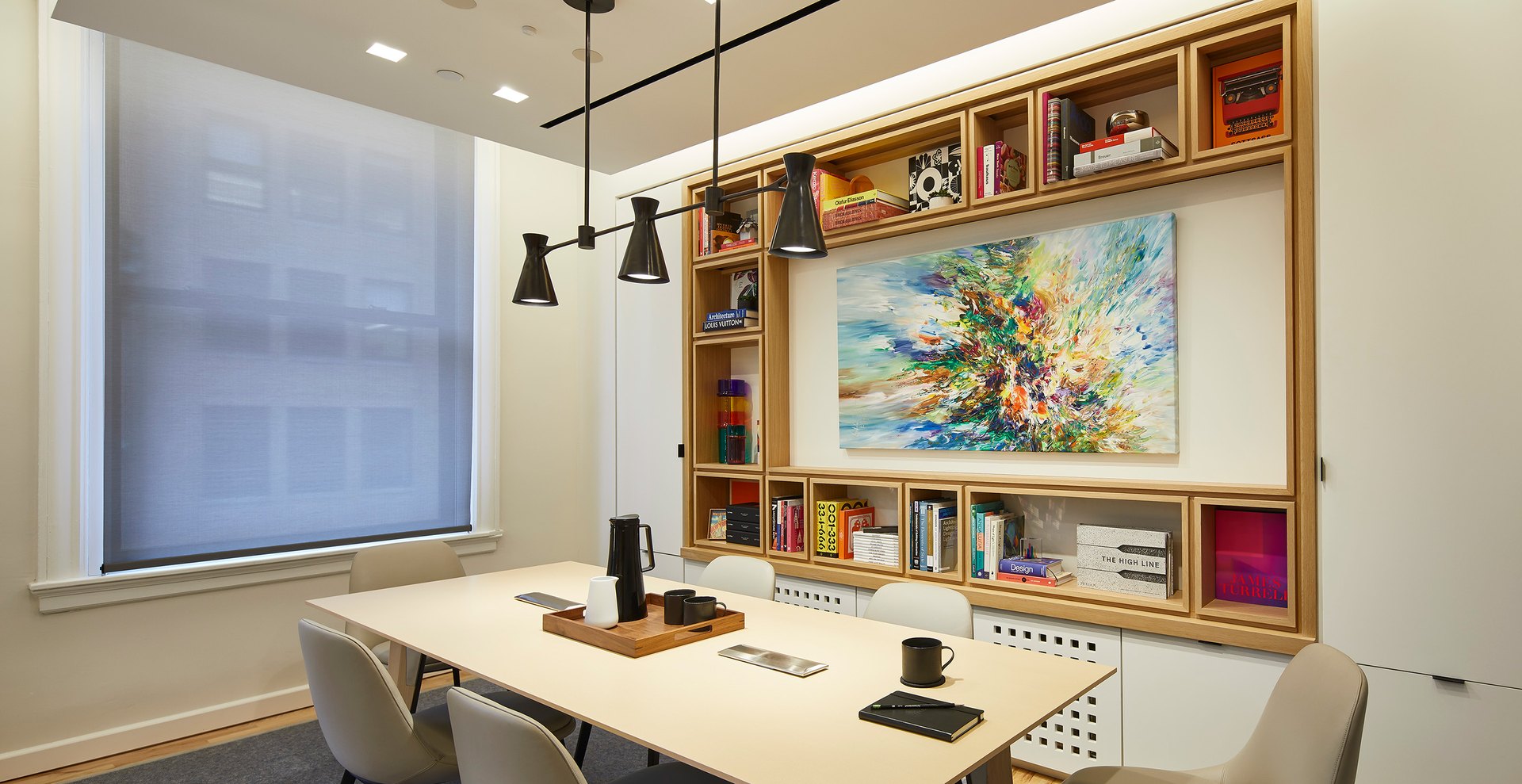
WAKE
Shades rise in selected rooms and lighting comes up gradually so the home transitions into the day without a bank of individual commands.
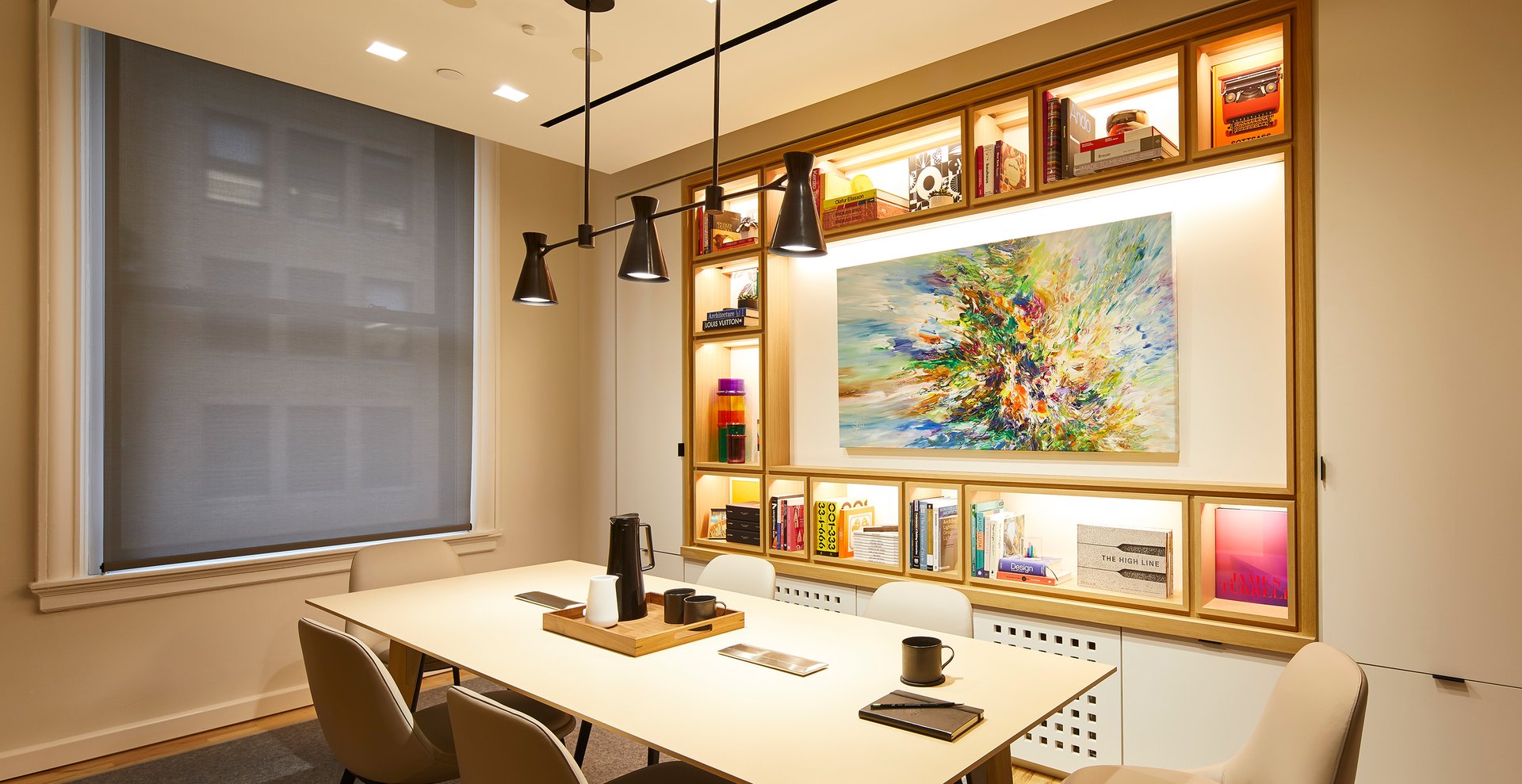
AWAY
A single scene can shut down nonessential lighting, set shade positions and hand off to the home’s security or automation logic.
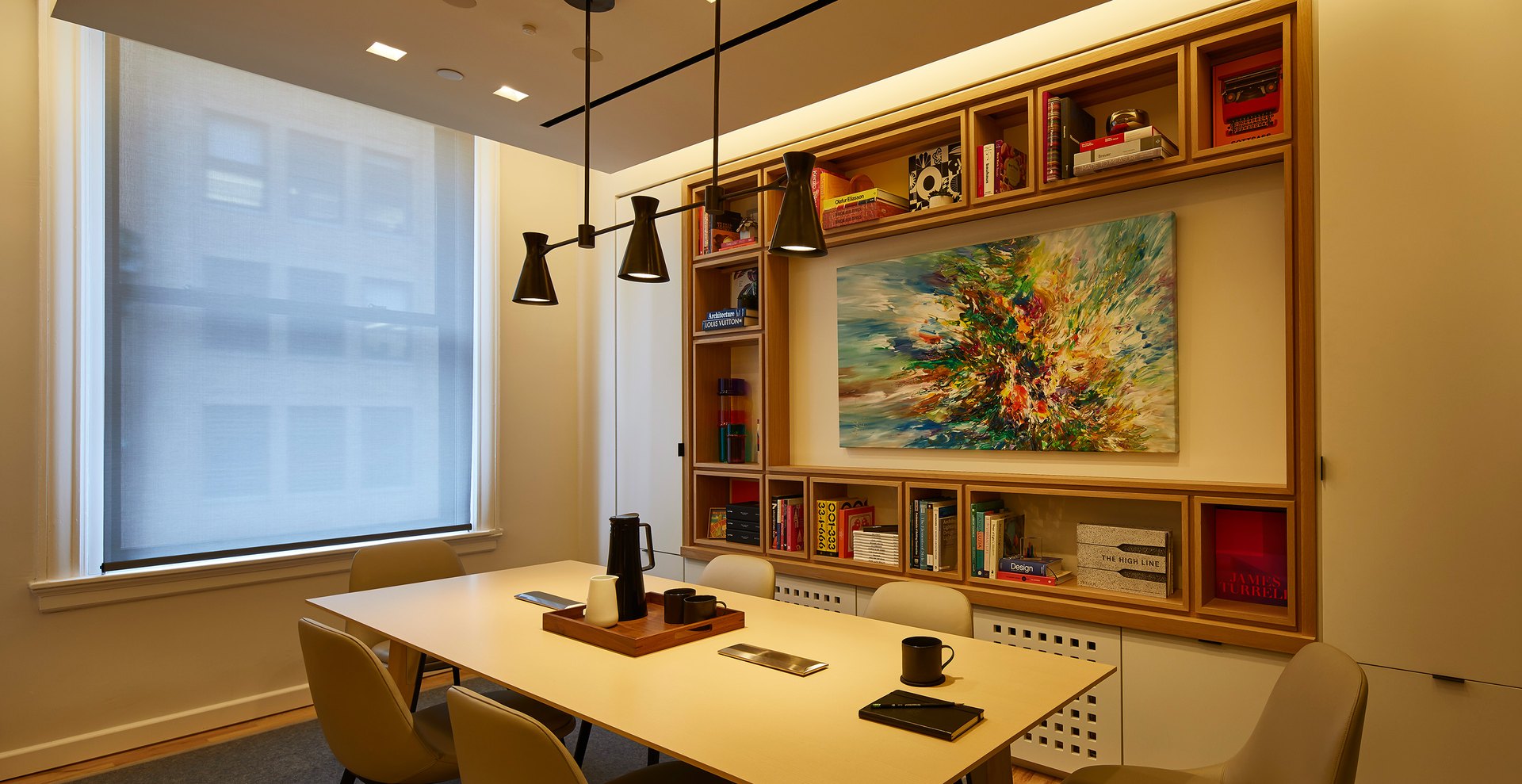
ENTERTAIN
Architectural and decorative layers shift together across connected rooms while selected shades close for privacy and glare control.
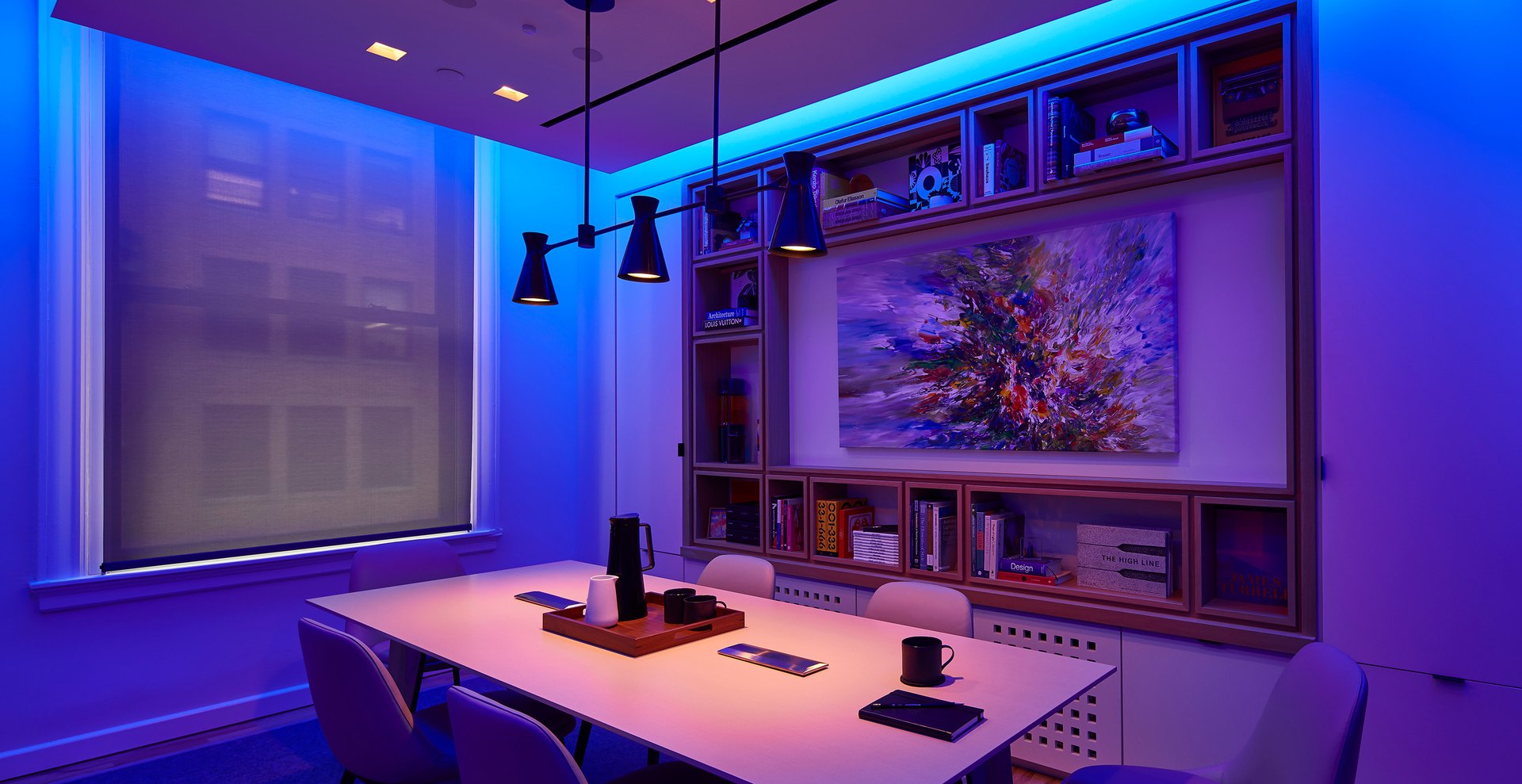
GOODNIGHT
Interior lighting winds down, circulation lights remain available where needed, and the house is left in a predictable nighttime state.
Scenes are programmed to the residence, not to a demo script. Regent5 develops button logic and transitions around how the household actually moves through the home.
Centralized loads need suitable panel locations and circuit routes, while distributed or wireless controls may suit other rooms. Regent5 plans processor networking, shade power, keypad wiring and service access against the actual drawings. Panel schedules and device layouts are coordinated with the electrical and low-voltage installation, with capacity and access considered before construction closes.
Room scenes, fade times, shade positions and keypad labels should make sense to the people using the home. Regent5 develops the button logic, tests everyday routines and schedules, and reviews engraving before finalizing the controls. Commissioning checks the installed loads and integrations, while documentation records the final settings for future service.
QSX can combine wired QS infrastructure, Clear Connect wireless devices, panelized loads, intelligent lighting and automated shades. The project has to decide where each belongs before rough-in.
Regent5 coordinates processors, panel locations, network connections, QS power, keypad wiring, shade power, fixture protocols and third-party integration points with the electrical and architectural drawings.
QS Wired Backbone
KEYPADS + SHADES + PANELS
Hardwired QS devices provide a durable backbone for architectural keypads, Sivoia shades, panelized lighting and challenging construction conditions.
Clear Connect Wireless
FLEXIBILITY WITHOUT WI-FI CONTROL
Lutron wireless devices expand control where distributed dimmers, shades or intelligent lighting make more sense than another wired run.
The best HomeWorks projects are usually hybrid: wire the infrastructure that should never move and use wireless where it improves flexibility.
Network, processor and gateway locations should be serviceable and coordinated with the equipment-room plan rather than hidden wherever space remains.
Centralized HomeWorks
Lighting loads return to serviceable panel locations while rooms use low-voltage keypads instead of banks of dimmers.

Hybrid HomeWorks
Panelized loads, local dimmers, wireless controls, shades and intelligent lighting are combined where each architecture is strongest.
New construction often rewards centralized load control; remodels and complex estates frequently benefit from a hybrid design. QSX supports both.

CLEAN WALLS
Centralized loads can reduce wall clutter and move serviceable power-control hardware into dedicated electrical or technology spaces.
FLEXIBLE RENOVATION
Hybrid systems preserve useful wiring, add wireless devices where needed and avoid opening finished architecture without a clear benefit.
Regent5 documents the final architecture, panel schedules, keypad intent and integration points so future service does not depend on institutional memory.
An upgrade starts with an inventory of processors, panels, keypads, shades, wiring and the project file. Lutron's upgrade guidance includes ways to retain certain compatible legacy panels, but other devices, power supplies and integrations may need replacement. Regent5 defines what can stay, what must change and how the work will be staged before quoting a migration.
Panel schedules, zone lists, keypad assignments and project files should remain useful after installation. Regent5 aligns the drawings, labeling and programming so later changes can be understood and supported. We also assess inherited HomeWorks systems, beginning with the installed hardware, access permissions and available documentation rather than assuming a complete replacement is needed.
Get started.
Share a few project details and the Regent5 team will follow up on goals, scope and next steps.
Prefer to talk? Call
(650) 242-5745
Bring your plans, lighting schedule and control questions to the Regent5 Showroom & Design Center. Discuss keypad choices, shade integration and room scenes before final specification. We work with homeowners, architects, designers and builders across the San Francisco Bay Area and Northern California, with each appointment tailored to the decisions your project needs to make.
These pages go further into Lutron lighting control, HomeWorks, RadioRA 3, keypads, shades and legacy-system service planning.
Lutron dealer and installer
Overview of Lutron lighting, HomeWorks, RadioRA 3, shades, keypads and long-term service.
HomeWorks QSX
HomeWorks QSX for panelized, distributed and hybrid custom-home lighting, keypads, shades and programming.
RadioRA 3
Professional wireless lighting control for finished homes and renovations, including eligible RadioRA 2 upgrades.
Keypads and finishes
Aviena, Alisse, Palladiom, seeTouch, and Pico compared, with engraving and finish selection.
Shades and drapery
Sivoia QS, Palladiom, Triathlon, drapery tracks, and Insolroll exterior shading.
Legacy system upgrades
Assessment, service and modernization for older HomeWorks, HomeWorks QS and RadioRA systems.
Where we work.
Regent5 supports HomeWorks QSX projects across the San Francisco Bay Area and Northern California, coordinating control architecture, lighting loads, keypads, shades, intelligent lighting, integration and long-term service.
HomeWorks QSX is Lutron’s current residential lighting and shading control platform for custom homes and estates. It coordinates processors, panels, keypads, shades, intelligent lighting, scenes, schedules and supported integrations.
A HomeWorks design can combine centralized, distributed and wireless controls. The appropriate mix depends on construction access, the fixture schedule, keypad preferences and the residence's service requirements.
Regent5 reviews those decisions with the project team before specifying processors and field devices. Plans and a preliminary lighting schedule make the consultation more useful.
Often. The existing processor generation, panels, keypad links, shades and project files need to be inventoried first. Some infrastructure can sometimes be retained while unsupported devices are replaced.
QSX is the current processor platform and supports Lutron’s present control, shading and intelligent-lighting ecosystem. Existing HomeWorks QS projects can often be serviced or modernized, but compatibility depends on the installed processors, links and field devices.
Regent5 supports HomeWorks projects across the San Francisco Bay Area and Northern California, including the Peninsula, San Francisco (Pacific Heights, Sea Cliff, Presidio Heights, Noe Valley and Russian Hill), Marin, Wine Country, South Bay and the Monterey Peninsula, with select project coverage farther south.
It depends on how the system is designed. Cost is driven by the architecture, centralized panels, distributed devices or a hybrid, the number of lighting loads and keypads, the keypad family and finish, motorized shades and drapery, any Ketra, Rania or Lumaris lighting, and programming. A number before drawings or a site visit would mislead, so start with a consultation at the Regent5 Showroom & Design Center in San Carlos.
Yes. Regent5 can assess, service, reprogram and modernize HomeWorks systems originally installed by other companies, subject to the installed hardware, available project files and system condition.


.svg)
